The three email flows that earn before you send a campaign

Most businesses think about email as campaigns: write something, send it to everyone, watch the graph. Flows are the other kind — triggered by what someone does, sent once, then working indefinitely. They are where the quiet majority of email revenue comes from, and you can build the first three in a week.

1. Welcome

Triggered when someone joins your list. This is the moment of maximum interest and it is usually wasted on a discount code and silence.

  • Immediately: whatever you promised, delivered without friction. If you offered a discount or a guide, it is in this email and nothing else competes with it.
  • Two days later: why you exist. What you do differently, who you are for. People buy from businesses they understand.
  • Five days later: proof. A customer story, a result, something concrete that is not you talking about yourself.

2. Abandoned cart or abandoned enquiry

Someone got close and stopped. For a store that is a cart; for a service business it is a half-finished form or a quote that went quiet. Same idea either way.

Send within a few hours while the intent is warm, and make the first one a reminder rather than a pitch — people genuinely do get distracted. Follow up a day later addressing the actual reason people hesitate. Usually that is shipping cost, delivery time, or whether they can send it back. Answer it plainly instead of discounting.

Resist discounting in the first email. Do it reliably and you train people to abandon carts.

3. Win-back

Triggered when a customer has not bought in however long is unusual for your business — which depends entirely on what you sell, so use your own repeat-purchase interval rather than a number from a blog post.

The one that works is not “we miss you”. It is a reason to come back now: something new since they last looked, or a genuine acknowledgement that it has been a while and a question about whether something went wrong. The replies to that last one are worth more than the revenue.

Build them in this order

Welcome first, because everyone joining your list passes through it. Abandonment second, because it catches people at the highest intent. Win-back third, because it needs enough purchase history to be meaningful.

All three are written once and then keep running. That is the entire argument for doing them before your next campaign.


Read your own Search Console in twenty minutes

Search Console is free, it is your own data, and most business owners have never opened it. You do not need to become an analyst. You need four numbers and twenty minutes a month.

The four numbers

Impressions — how often you appeared. Clicks — how often someone chose you. Click-through rate — clicks divided by impressions. Average position — roughly where you ranked.

The relationships between them tell you more than any one alone. High impressions and low clicks means you are showing up and being passed over, which is usually a title and description problem rather than a ranking problem. That is a good problem, because it is fixable in an afternoon.

Queries: what people actually type

Sort by impressions and read the top twenty. The question to ask is not “are we ranking” but “are these branded?” If every query is your company name, you are being found by people who already knew you existed. That is worth knowing, and it is a completely different problem from ranking badly.

Then look for queries sitting between positions 5 and 15. These are your best opportunities: you are already close, and closing that gap is usually about improving a page you already have rather than writing a new one.

Pages: which ones carry the site

Most sites find that a small number of pages earn nearly all the search traffic. Two useful reactions: make sure those pages lead somewhere commercially useful, and ask what they have in common. Whatever that is, do it again deliberately.

Pages indexing: the one that finds real problems

Buried in the sidebar, and the most likely to surface something genuinely broken. It shows pages Google chose not to index and why. If an important page is listed as excluded, nothing else you do matters until that is resolved.

A note on the numbers being small

If you are looking at tens of impressions rather than thousands, the data is still useful — it is just early. What matters at that stage is direction and mix: is the range of queries widening beyond your own name? That question is answerable long before the volume gets interesting.

The 90-day SEO plan we run after every audit

Most SEO audits produce a spreadsheet with two hundred rows and no sense of what to do on Monday. The list is not the hard part. The order is, because some fixes make others unnecessary and a few make things worse if done first.

Days 1 to 30: stop the losses

Nothing new gets published this month. The first job is making sure what already exists can be found and is not actively working against you.

  • Find out what is not indexed. Pages that search engines cannot see or have chosen not to keep. Every other effort is wasted until this is understood.
  • Fix titles and meta descriptions on the pages that already earn. Not every page — the ones already getting impressions. Fastest return in the whole plan.
  • Resolve duplicate versions of the same page. With and without trailing slashes, http and https, parameter variants. You are competing with yourself.
  • Fix what is slow, starting with images. See the point above about page weight; it is nearly always images.

Days 31 to 60: fix the structure

Now that pages can be found, make them make sense together.

  • Give every commercial page one job. One page per service, per problem, per buyer. Pages trying to rank for five things rank for none.
  • Link between them deliberately. Internal links are the cheapest ranking lever most sites never pull, and you control every one of them.
  • Sort out the pages that overlap. Two pages competing for the same term is common after a few years of well-meaning content. Merge them, and redirect the loser.

Days 61 to 90: start compounding

Only now does new content make sense, because it will land on a site that can support it.

  • Publish against questions, not keywords. Write what your buyers ask before they know who to call.
  • Earn a few genuine links. Slower and duller than buying them, and it does not get your site penalised.
  • Set the baseline you will report against. Impressions, clicks, positions for the terms that matter. Agreed now, so month four is a comparison and not a story.

What ninety days does not do

It does not put you first for your most competitive term. Anyone promising that is selling something. What it does is remove the reasons you cannot rank, so the work that follows actually accumulates instead of fighting the site it sits on.

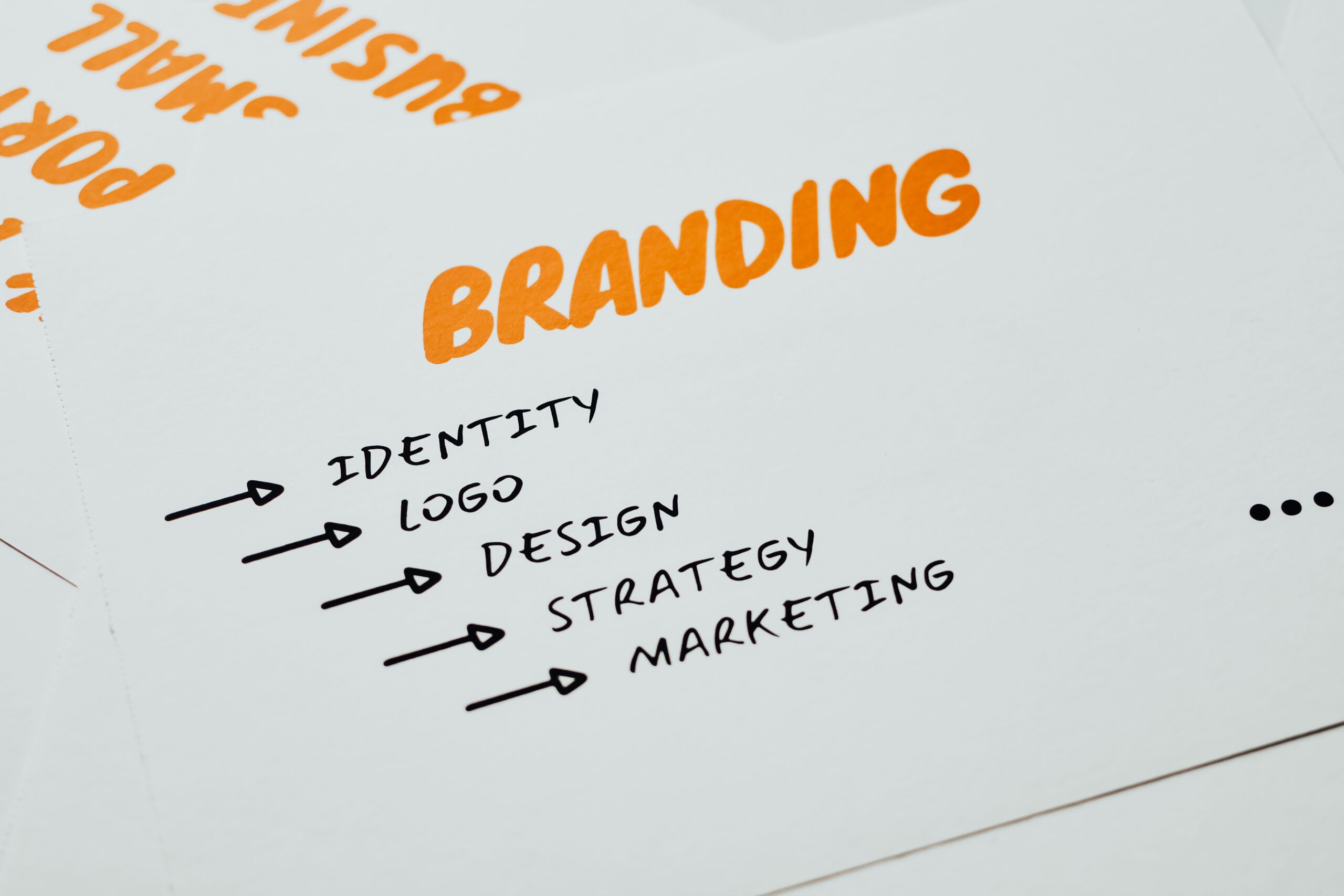
Your brand is not your logo

When a small business says it needs branding, it usually means it needs a logo. A logo is the smallest part of the job and the last part that should be decided. What actually makes a small team look like a serious one is consistency, and consistency is cheaper than a rebrand.

Build it in this order

First, decide what you sound like. Before any visual decision, write down how you talk. Do you say “purchase” or “buy”? Are you the expert or the guide? Three or four sentences is enough. Everything downstream gets easier, and it costs nothing.

Then type. One typeface for headings, one for body, and a fixed set of sizes. Nothing makes an amateur site look amateur faster than six font sizes chosen by whoever was editing that day. This single decision does more visual work than a logo.

Then colour, sparingly. Most small brands need one accent colour, a couple of neutrals, and rules about where the accent is allowed to appear. A palette of eight colours is not richer, it is just harder to use consistently.

Then the logo. By now you know the tone, the type and the colour, so the logo has something to be consistent with. Designed first, in a vacuum, it tends to get redone within two years.

The part that gets skipped

Write it down. A single page covering the fonts and sizes, the colours with their exact values, when to use each logo version, and how you write dates, prices and headings. Without it, every new hire and every freelancer makes their own guesses, and the brand drifts inside a year.

One page, kept current, is worth more than a forty-page guideline nobody opens.

When a rebrand is actually the answer

Genuinely sometimes it is: if the name no longer describes what you sell, if you are moving upmarket and the current look prices you wrong, or if you have merged. Those are strategic problems that a visual refresh can solve.

“We are bored of it” is not on that list. Your customers see your brand a fraction as often as you do, and consistency is doing more work than novelty ever will.

Shopify or WordPress for your first online store

This question usually gets answered by whichever agency you asked, based on what they like building. Here is the version that is actually about your business.

What Shopify is genuinely good at

Shopify runs the parts of ecommerce that are unglamorous and expensive to get wrong: payments, tax, fraud, inventory, shipping rates, PCI compliance. It stays up during a traffic spike. Checkout is relentlessly optimised by people whose full-time job that is, and you inherit that work for free.

The cost is control and rent. You pay monthly, you pay transaction fees unless you use their payments, and apps add up faster than anyone expects. You also accept their checkout and their limits.

What WordPress is genuinely good at

WordPress is better when the content is the point. If your path to a sale runs through articles, guides, or a deep library of resources, WordPress gives you more control over how that content is structured, and you own the whole thing.

The cost is responsibility. Hosting, updates, security and backups are now someone’s job. If that someone is not on your team or your retainer, it becomes nobody’s job, which is how sites get compromised.

Three questions that settle it

  • How many products, and how often do they change? Past a few dozen products with variants, or any real inventory movement, Shopify’s tooling saves you hours every week.
  • Where do your customers come from? If the answer is mostly search and content, weigh WordPress more heavily. If it is ads, social and marketplaces, the storefront matters more than the CMS.
  • Who maintains it in a year? Answer honestly. Shopify is the right call more often than platform purists admit, purely because maintenance is included.

The answer nobody sells you

Plenty of businesses run both: Shopify for the store, WordPress for the content, on a subdomain or a subdirectory. It is more moving parts, so it is not the default. But if your content genuinely drives the sales, it is often the honest answer rather than a compromise.

Whichever you choose, ask one thing before you sign: can you edit the pages yourself afterwards, or do you file a ticket for every change? That has sunk more projects than platform choice ever has.

What a four-page website actually includes, and when you need ten

Almost every web package is priced by page count, which is a strange way to buy something whose value has nothing to do with how many pages it has. A four-page site that answers the right questions will out-earn a twelve-page site that buries them. But page count is the unit the industry sells in, so it is worth knowing what you are actually getting.

The four pages that do the work

Home. Not a welcome mat. It has to answer three questions in the first screen: what you do, who it is for, and what to do next. Most home pages answer the first and forget the other two.

A generic page template. This is the one people undervalue. It is the template that every future page is built from: about, team, a specific service, a landing page for a campaign. Get this right and you can add pages for years without paying a developer again.

Blog index and post template. Two templates, usually counted as one page. You do not need them on day one if you are not going to write. You absolutely need them the moment you decide search matters, and retrofitting them later costs more than including them now.

Contact. A form, a phone number, and a genuine answer to what happens after someone submits it. The pages that convert say when you will reply.

The honest signals that four is not enough

Adding pages for the sake of it dilutes a site. These are the situations where it genuinely does not.

  • You sell more than one thing to more than one buyer. A single services page describing five offerings converts worse than five pages that each speak to one problem. It also gives search engines something specific to rank.
  • Someone has to trust you before they buy. Professional services, anything regulated, anything expensive. Team and about pages are not vanity here, they are part of the sale.
  • You answer the same questions on every call. That is an FAQ page, and it will quietly shorten your sales cycle.
  • You are hiring. A careers page pays for itself the first time it saves you a recruiter fee.

What page count never includes

Two things get quietly assumed and then argued about later. The first is content: copy, images and product data. Most fixed-price builds assume you provide it, and the timeline slips when you do not. The second is ecommerce. A store is not a page count problem. Product templates, cart, checkout and payment are a different kind of build.

If you take one thing from this: ask what the generic page template can do, and whether you can build new pages yourself once the site is handed over. That answer matters more than whether you bought four pages or ten.